
Project Description
The Challenge
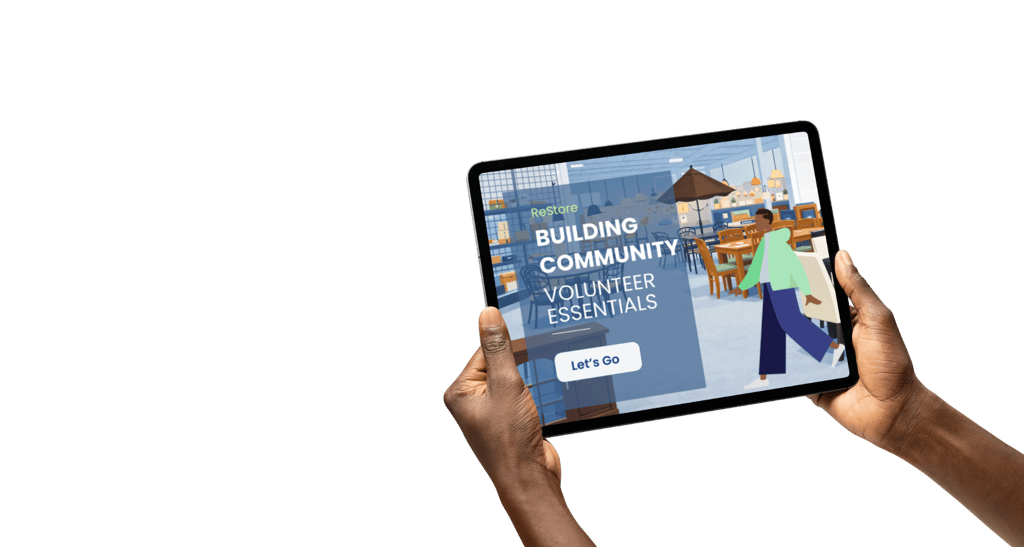
Habitat ReStore relies on volunteers to help receive, move, and organize donated items in a busy retail environment. Many volunteers arrive with little experience handling large furniture, interacting with donors, or navigating store procedures. Without clear training, this can lead to safety risks, inconsistent customer interactions, and uncertainty on the sales floor.
The Solution
To address this need, I designed a short scenario-based microlearning module that prepares volunteers for common situations they may encounter in the store. The training uses interactive decision points, guided practice, and realistic scenarios to help volunteers learn safe handling practices and effective communication strategies before beginning their shift.
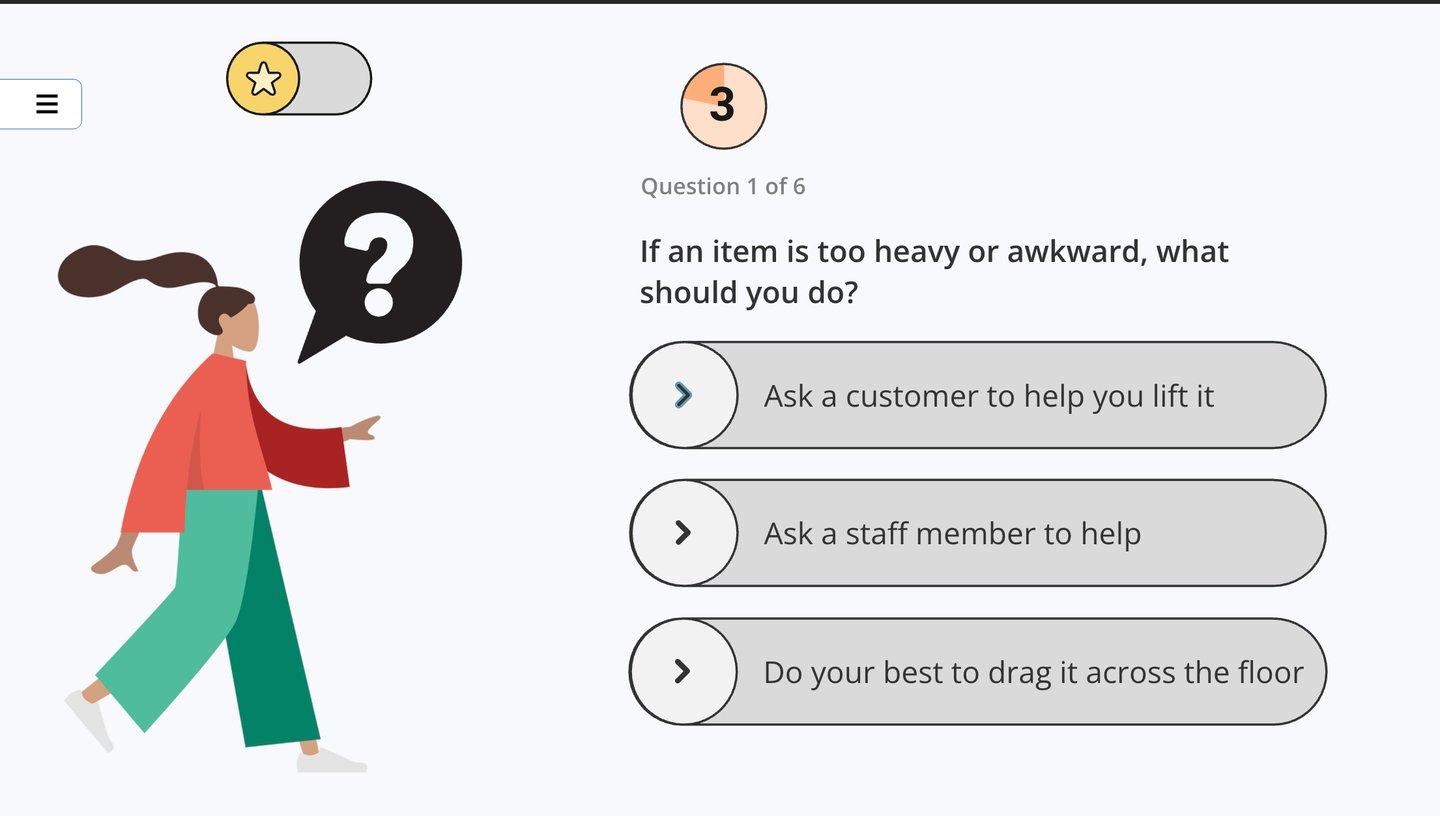
This interactive microlearning module was developed in Articulate Storyline and focuses on practical, scenario-based learning. Volunteers explore key topics such as safe lifting practices, handling furniture donations, and communicating with donors. Interactive decision points and guided feedback allow learners to practice making safe and responsible choices in realistic store situations.
Instructional Design Process (ADDIE)
This project was designed using the ADDIE framework, guiding the process from identifying training needs to developing interactive learning experiences and evaluating learner understanding.


Analysis
donations and interact with customers in a busy retail environment. Key risks included improper lifting, unclear procedures for handling furniture, and inconsistent communication with donors. The goal was to provide clear, practical guidance that volunteers could apply immediately on the store floor.
This screen introduces the broader Habitat program areas and helps learners understand how ReStore operations connect to the organization’s mission.
Design and Development
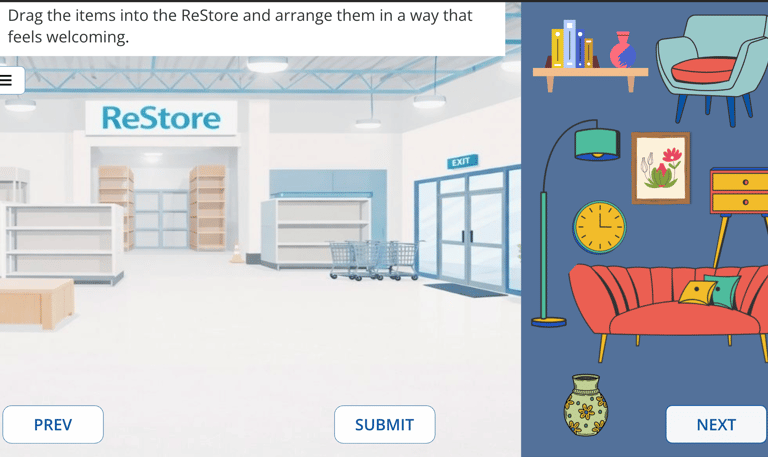
The course was designed as a short, scenario-based microlearning module reflecting common situations volunteers may encounter in the ReStore. Interactive activities—such as arranging donated items in the store layout—help learners practice safe handling and decision-making in a realistic environment.
Implementation & Evaluation
The module was designed for online volunteer onboarding and can be completed before volunteers begin working in the store. Scenario feedback and short knowledge checks encourage learners to reflect on safe responses and understand how experienced volunteers approach real-world situations.
Sun Salutation Interaction
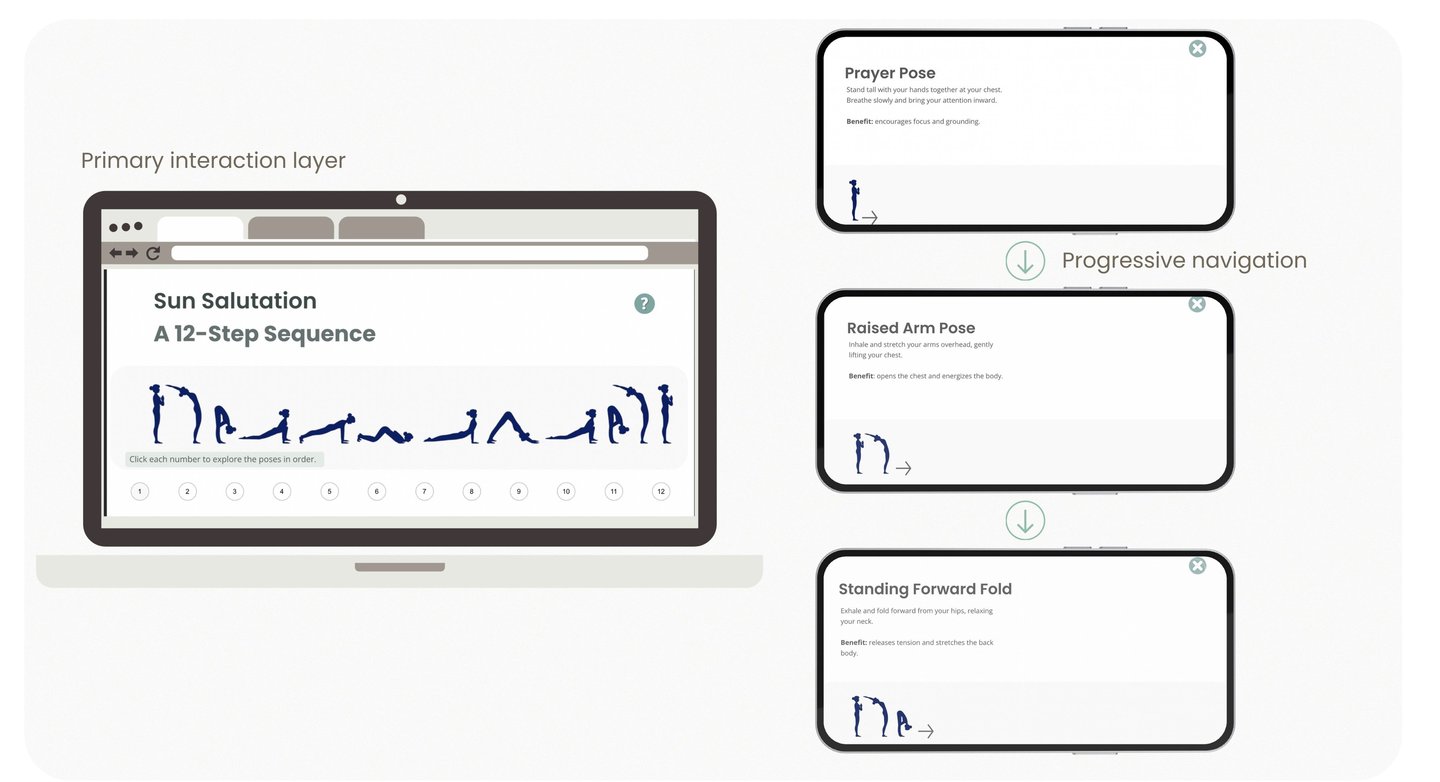
This interaction introduces learners to the Surya Namaskar (Sun Salutation) sequence through an interactive, step-by-step experience. Learners explore each pose at their own pace while receiving clear guidance and benefits.
Overview
Design Focus
The interaction was designed to support calm exploration and body awareness while maintaining simple navigation. Progressive disclosure prevents cognitive overload and encourages reflective engagement.
Mindfulness Microlearning Course
Interactive eLearning Module | Articulate Storyline
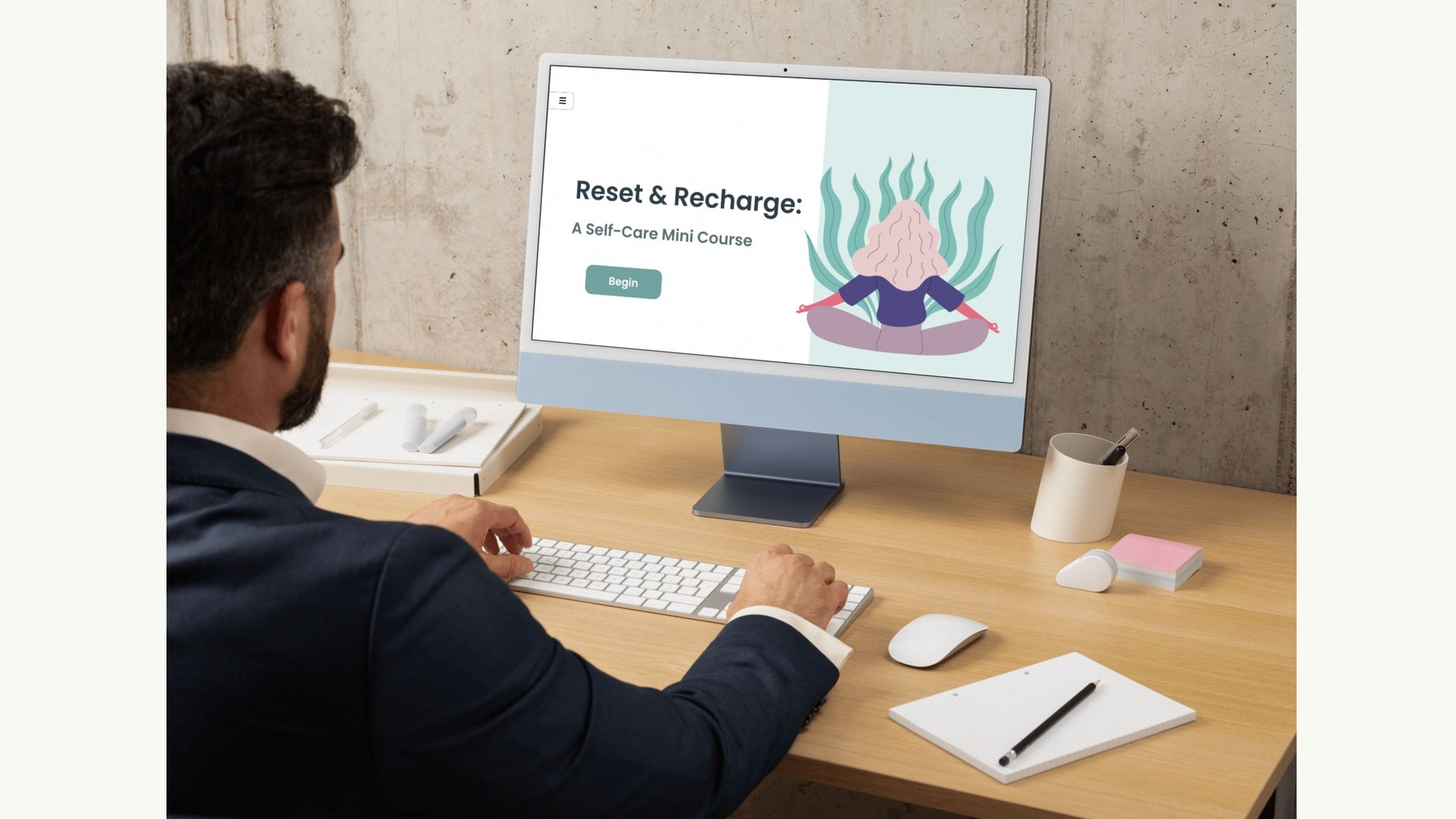
This mindfulness microlearning module introduces learners to simple practices that support relaxation, emotional regulation, and body awareness. The experience includes gentle movement, breathing exercises, journaling prompts, and guided relaxation to help learners pause and reset in a practical way.
A key part of the module focuses on the Surya Namaskar (Sun Salutation) sequence, presented as an interactive 12-step exploration that learners can move through at their own pace. Each pose includes clear instructions, benefits, and optional audio support, making the experience approachable for both beginners and those already familiar with mindfulness practices.
About the Experience
Interaction Highlights
This module uses layered interactions, reflective prompts, and guided practices to support emotional regulation and mindful awareness.
Guided mindfulness tools
Short, practical exercises provide learners with accessible techniques for calming the nervous system and improving focus.
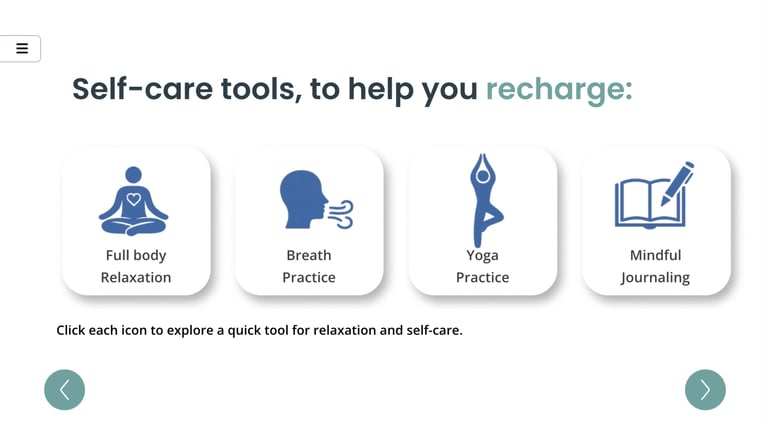
Interaction overview
Learners explore a set of simple self-care tools designed to support relaxation and emotional regulation. Each icon opens a short guided activity, allowing learners to choose a technique that fits their current needs. This approach encourages autonomy and lets learners engage with strategies at their own pace.
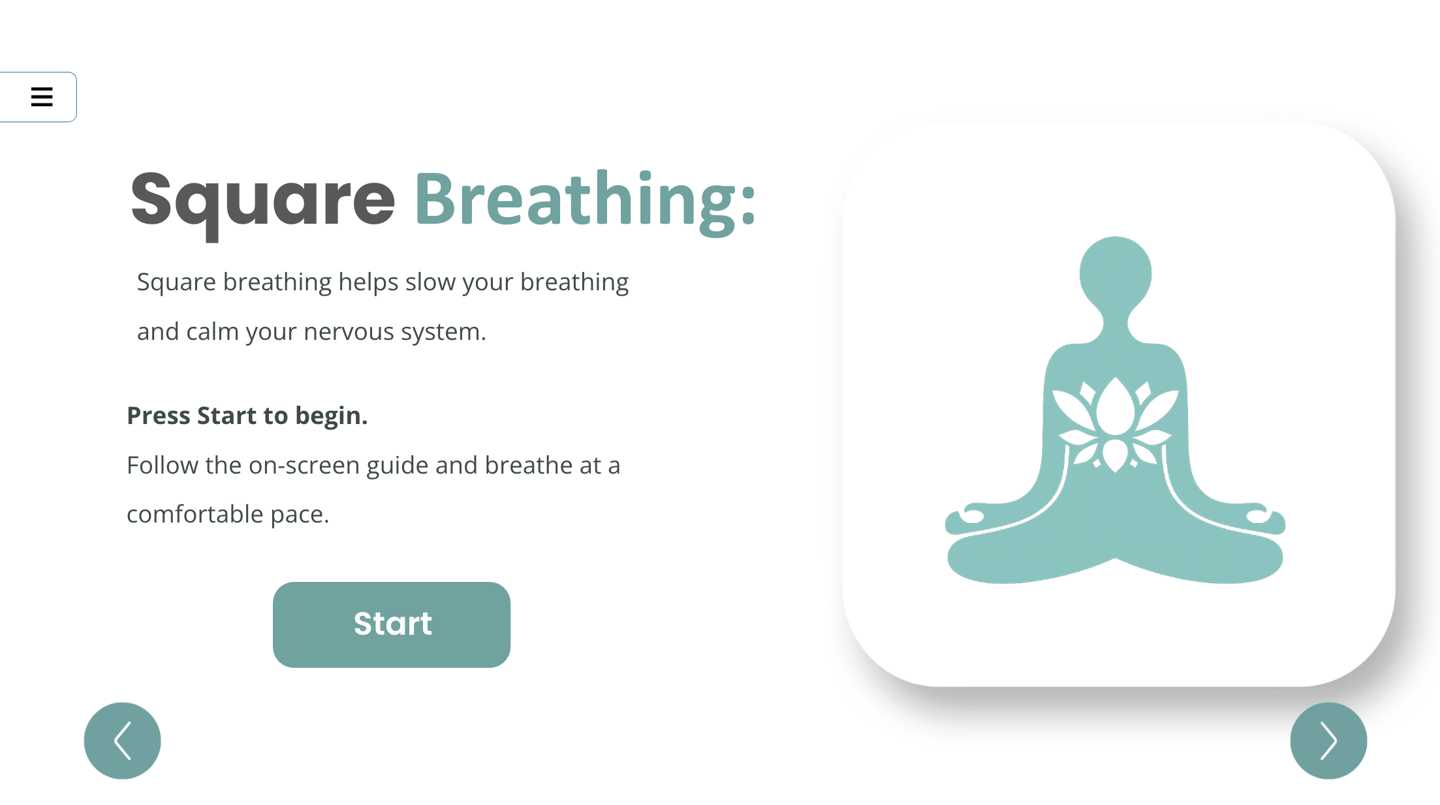
Breathing Exercise Interaction
This guided breathing activity helps learners slow their breathing and calm the nervous system. A simple visual cue and pacing structure support focused breathing while reducing cognitive load. The interaction provides a brief, practical tool that learners can easily use outside the course.
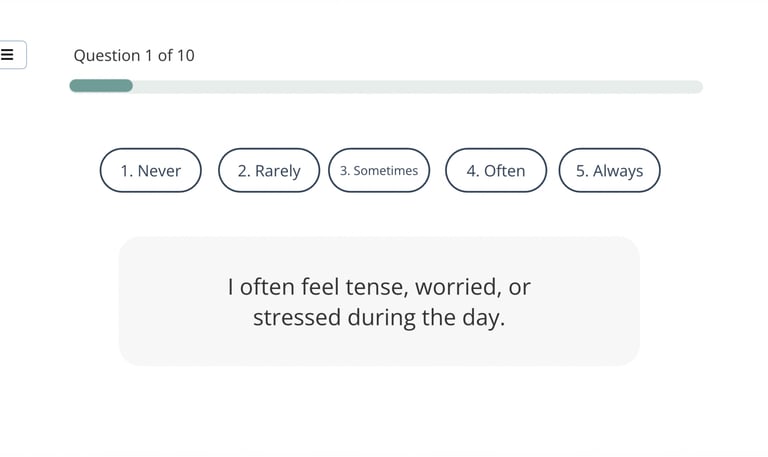
Stress Quiz
Learners begin with a gentle self-check to notice emotional state and stress levels. The quiz provides immediate feedback while maintaining a calm, supportive tone.
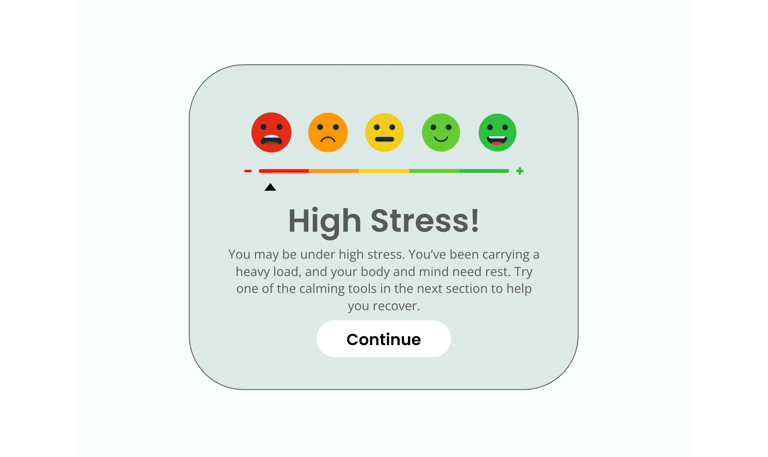
Stress Reflection Results
After completing the stress self-check, learners receive immediate visual feedback on their current stress level. The results screen uses a simple color-coded scale and supportive messaging to encourage reflection while guiding learners toward practical self-care tools introduced in the next section of the course.